HDB Renovation: power points you will regret
HDB Renovation is full of small decisions that feel minor on paper and turn into daily annoyances once you move in. Power points top that list. People routinely end up with a phone that won't charge from the bed, a robot vacuum with no dock, or a dining table with no plug for a laptop. Plan the sockets before the walls close up and you avoid a flat littered with extension cables.
Why socket planning gets skipped
Electrical layout is usually one of the earliest things decided, often before you've lived in the space or bought the furniture. So the plan defaults to whatever was there before, plus a rough guess. By the time you're unpacking boxes, the sofa covers the one socket you had, and the reading chair has none at all.
The cost of fixing it later is painful:
- Surface trunking is ugly and collects dust.
- Chasing a finished wall means re-hacking, re-tiling, re-painting.
- Extension cables become permanent tripping hazards.
A socket is cheap to add during renovation and expensive to add after. That's the whole argument.
Bedroom sockets people forget
The bedroom is where most regrets cluster, because we use devices in bed and at the dresser.
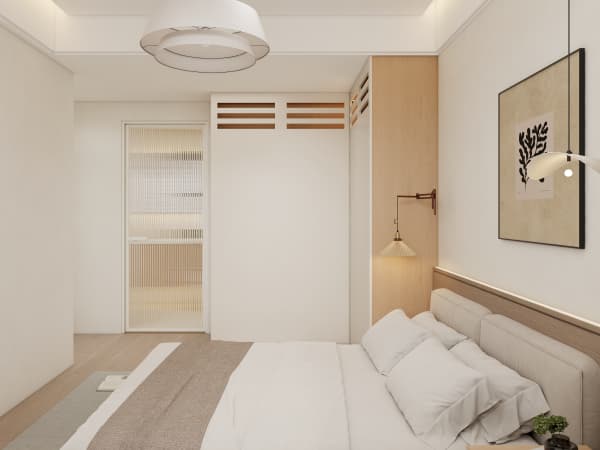
- Double sockets on both sides of the bed — one for the phone, one for the fan or lamp. A single point forces a splitter every night.
- USB outlets at the bedside — handy, though check that the wiring meets HDB's electrical rules.
- A socket near the dresser or vanity — for a hairdryer, straightener, or ring light.
- A point at the wardrobe if you add lighting or a charging drawer — easy to miss in carpentry planning.
Match the socket height to your bedside table, not to a generic 30cm-off-the-floor standard that leaves plugs dangling behind furniture.
Living and dining regrets
The open living and dining area is where guests gather and where we now work from home more often.
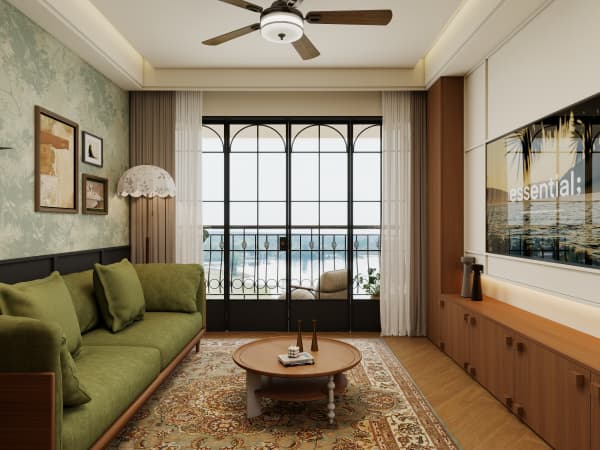
- A floor socket or low skirting point near the sofa — for a laptop, a floor lamp, or a phone while you relax.
- A socket at the dining table end — for laptops, hotpot, or a projector.
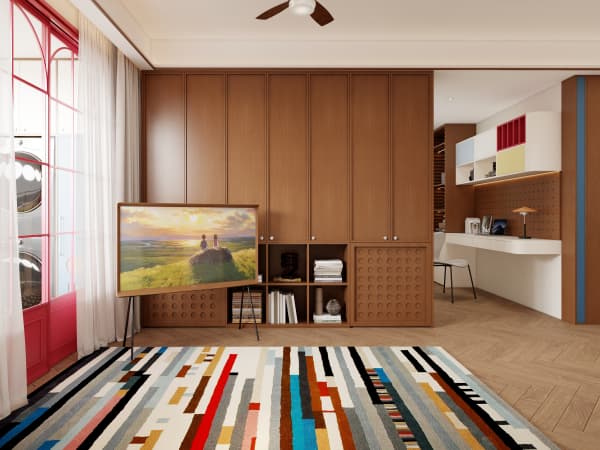
- Extra points along the TV console wall — the console hides a tangle of boxes; more sockets there means fewer visible adapters.
- A dedicated point for the router or mesh node — keeps the network gear out of a power strip that gets switched off by accident.
Singapore homes rely on aircon and routers year-round, so a dead socket near either is a real problem, not a minor one.
Kitchen and service yard points
The kitchen is the most appliance-dense room in the flat, and the one most likely to run short.
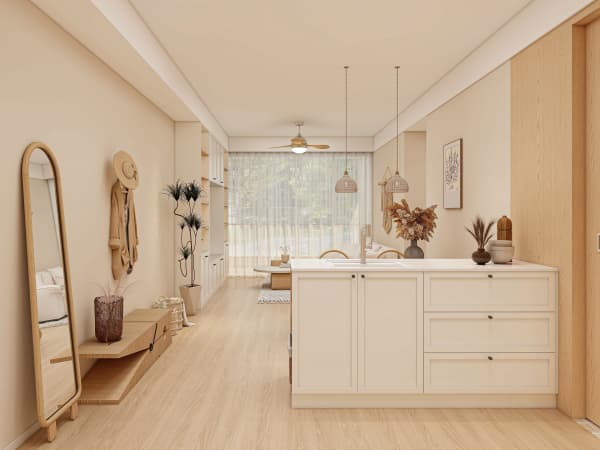
- At least two points above the counter — for the kettle, toaster, rice cooker, and blender in rotation.
- A point inside or beside the cabinet for the dishwasher or washer — plan it with the carpentry, not after.
- A socket in the service yard for the washer and dryer — and a spare for a steam iron or extra fridge.
- A point near the entrance for the vacuum or robot dock — so the charger isn't stretched across the hallway.
Keep wet-area sockets on the correct protected circuits as required, and don't place them where they'll be splashed.
Smart and future-proof additions
Even if you're not into smart homes yet, a couple of forward-looking points save a rework later.
- A data point near the TV console for a wired mesh node or media player.
- A ceiling point in the living room if you might add a ceiling fan with a light.
- A spare socket in the bomb shelter recess if you turn it into a storeroom with a dehumidifier.
- A point by the main door for a smart lock or a delivery cam, both of which need power or charging nearby.
All electrical works must be done by a BCA-licensed contractor listed on HDB's Directory of Renovation Contractors, and the layout still needs to pass HDB's end inspection. Tuck that into your plan early.
Mark sockets on the floor plan
The simplest way to avoid regret is to walk the plan with your furniture in mind. Draw the sofa, the bed, the dining table, and the work desk, then put a socket wherever a device would naturally sit. Hand that marked plan to your electrician before chasing begins.
When you plan whole-house customization for your HDB flat, treat power points as part of the furniture layout, not an afterthought. A few extra sockets cost almost nothing during renovation and spare you years of extension-cable gymnastics.